Guides & Insights
Tips on SSH, macOS development, and remote server management from the Pluto Door team.
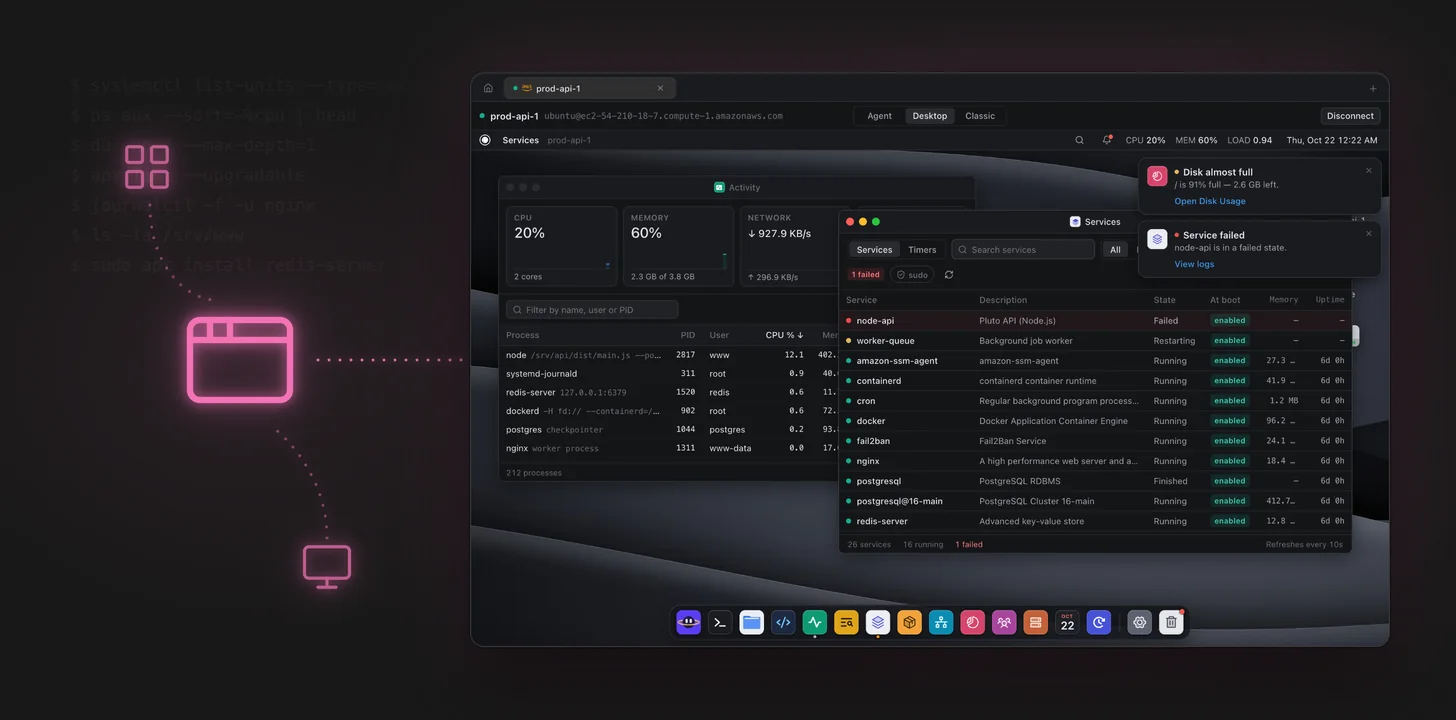
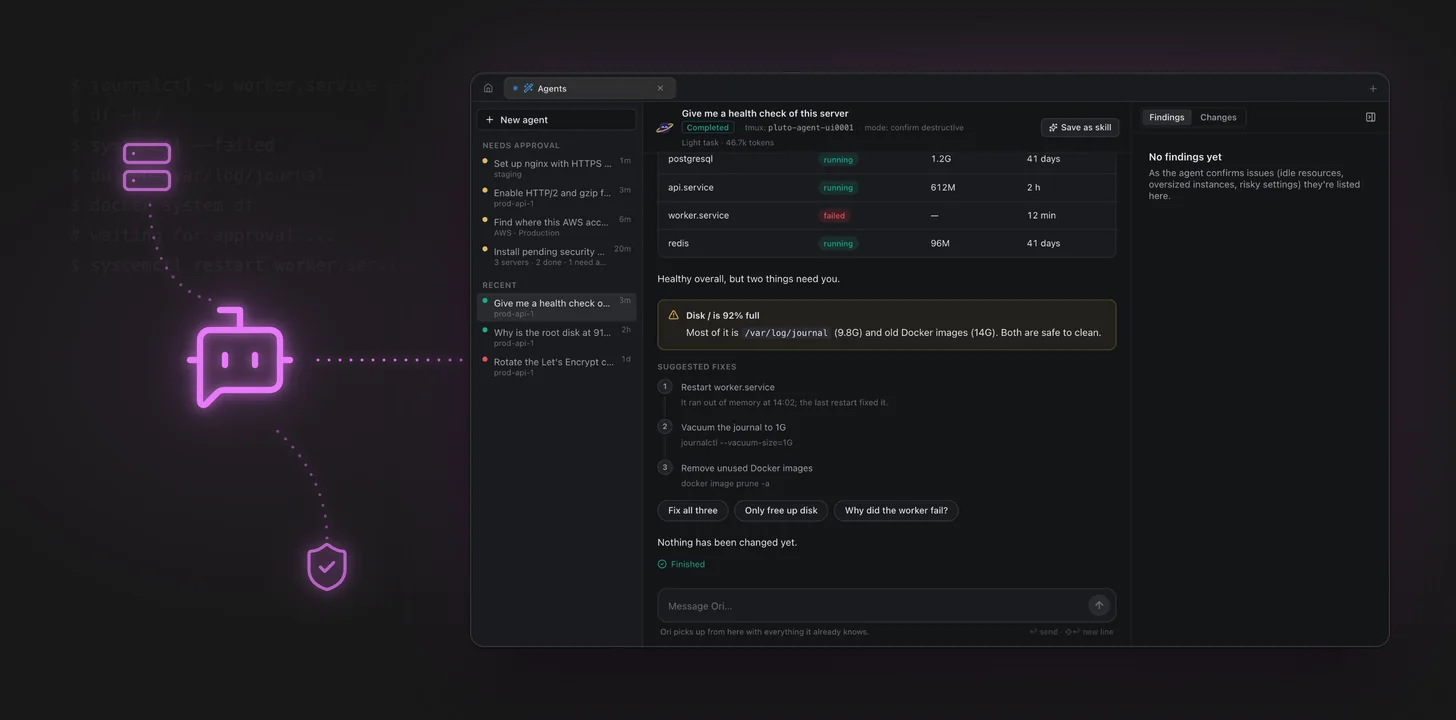
Introducing Ori: An AI Agent That Investigates Your Servers and Asks Before It Changes Anything
Ori is the AI agent in Pluto Door. It reads logs, runs commands over SSH and shows every step, then asks before it changes anything. Here's how it works.
 Io
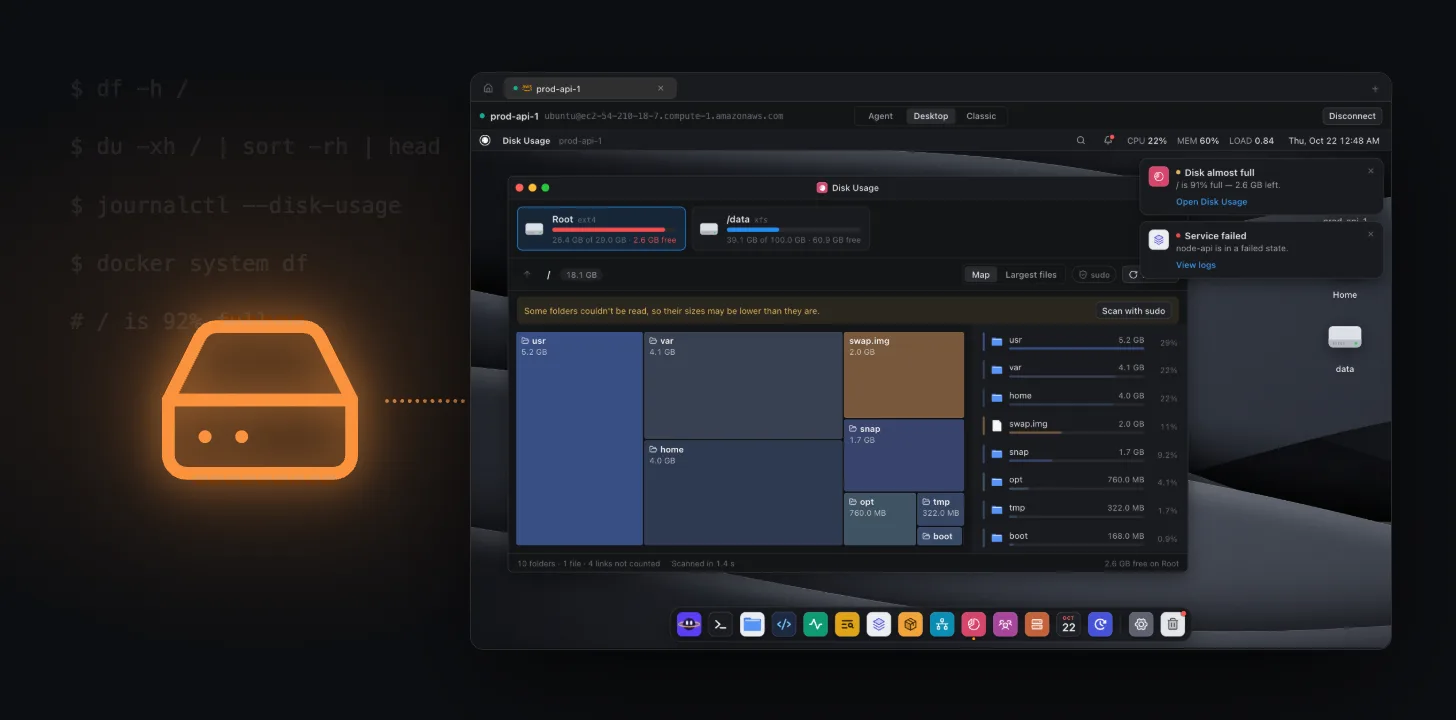
Linux Disk Full? How to Fix "No Space Left on Device" Safely
Server disk full? Find what is using the space with df and du, then safely clean the systemd journal, old logs, Docker images and package caches. Includes inode fixes and how to stop it happening again.
Triton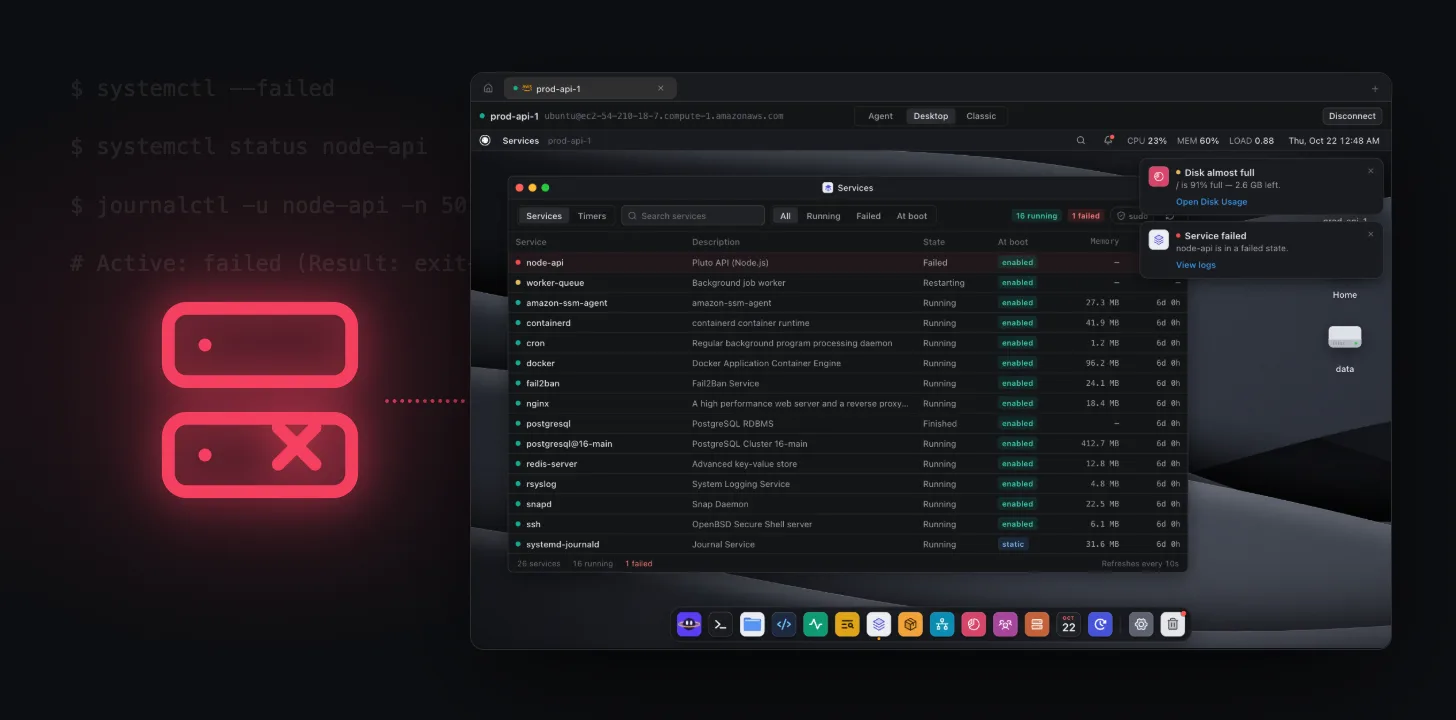
systemd Service Failed? How to Find Out Why and Fix It
Fix a failed systemd service: read systemctl status and journalctl, decode status=203/EXEC, 217/USER, oom-kill and start-limit-hit, and make the fix stick with overrides and restart policies.
Phobos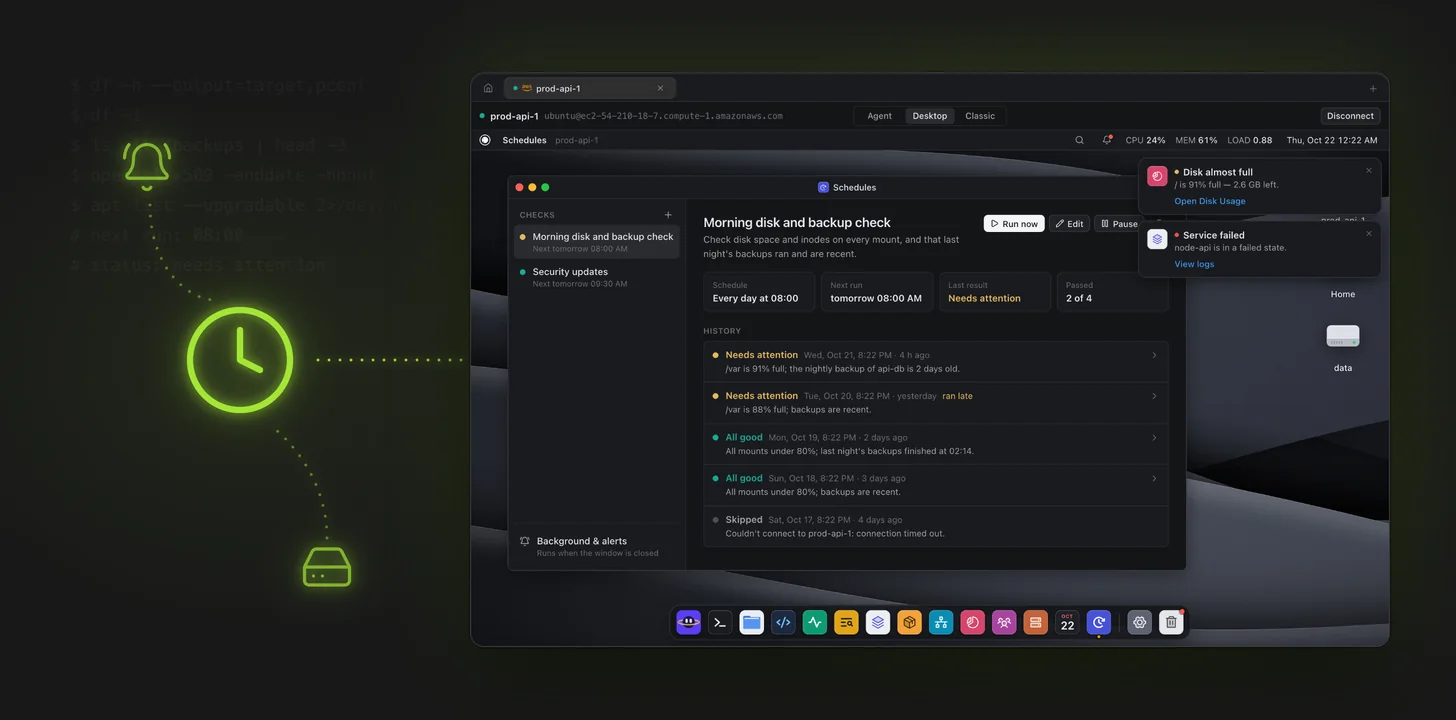
Scheduled Server Checks: Let Ori Watch Disks, Backups and Certificates While You Sleep
Set up read-only checks for disk space, backups, failed services, security updates and TLS certificates. Ori runs them on a schedule and notifies you on macOS when something needs you.
Ganymede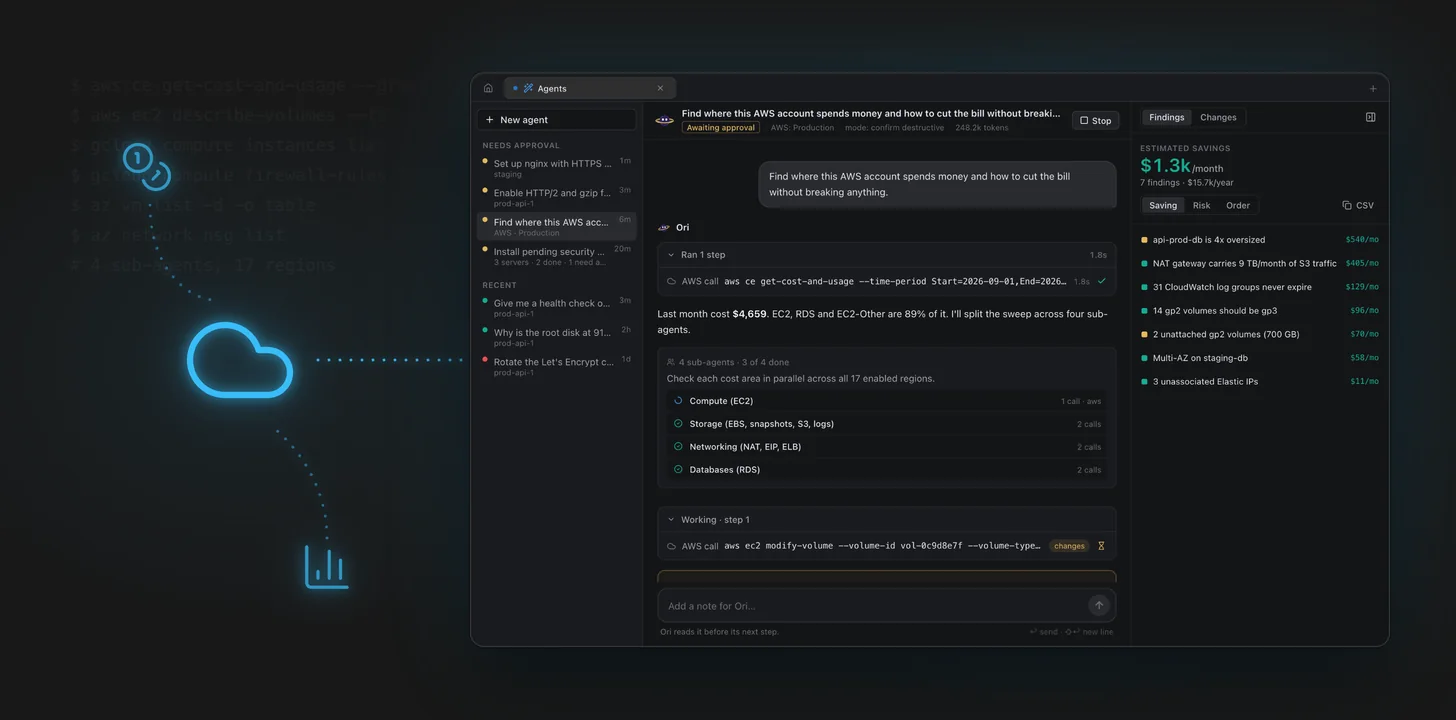
Ask Your Cloud: AWS, Google Cloud and Azure in the Same Chat
Connect AWS, Google Cloud and Azure accounts to Pluto Door and ask Ori what's running, what's exposed and what's costing money. Changes always wait for your approval.
Callisto
SSH Connection Timed Out on Port 22: How to Fix It
SSH hanging then failing with "Operation timed out"? Your connection never reached the server. Here's how to fix it — cloud firewall, security groups, stale IP, and Wi-Fi.
Titan
SSH Connection Refused on Port 22: How to Fix It
The SSH "Connection refused" error means something actively rejected you. Here's how to diagnose it fast — SSH service, wrong port, firewall, or wrong host.
Uranus
Host Key Verification Failed: How to Fix It Safely
Seeing "Host key verification failed" or "REMOTE HOST IDENTIFICATION HAS CHANGED"? Here's what it means, how to fix it safely, and how to tell it isn't an attack.
Charon
Permission Denied (publickey): How to Fix the Most Common SSH Error
The "Permission denied (publickey)" error is the most common SSH problem there is. Here's every cause and fix — key permissions, ssh-agent, config files, and usernames.
Pluto
Best SSH Clients for macOS in 2026: A Developer's Guide
Compare the top SSH clients for macOS in 2026. From Terminal to Pluto Door, find the right tool for remote server management, SFTP, and development.
Earth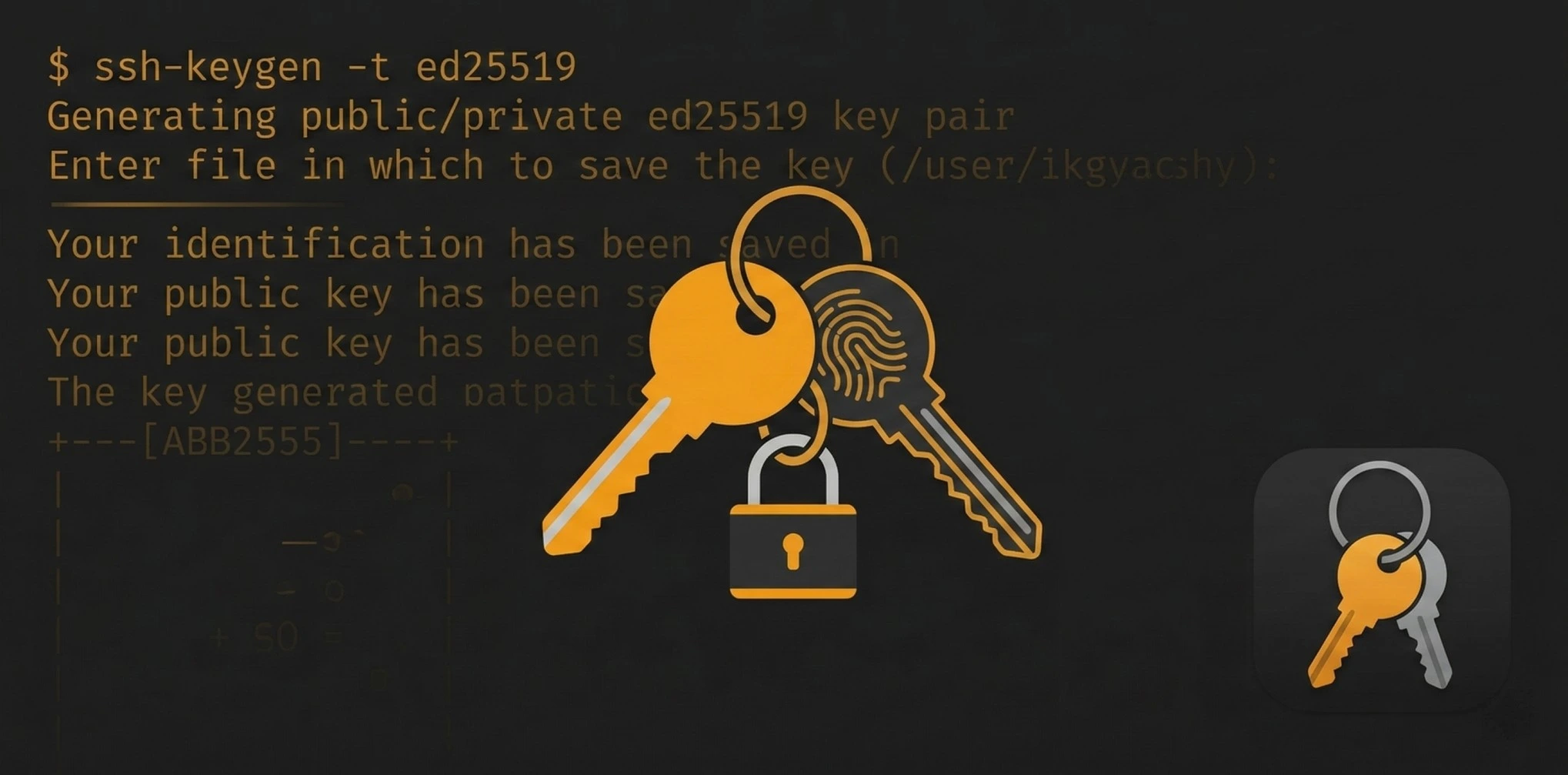
SSH Key Management on macOS: The Complete Guide
Learn how to generate, manage, and organize SSH keys on macOS. Covers ssh-keygen, ssh-agent, config files, and best practices for secure key management.
Mars
How to Transfer Files to a Remote Server from Mac (SFTP Guide)
Learn how to transfer files between your Mac and remote servers using SFTP. Covers command-line SFTP, GUI clients, and the fastest ways to upload and download files.
Venus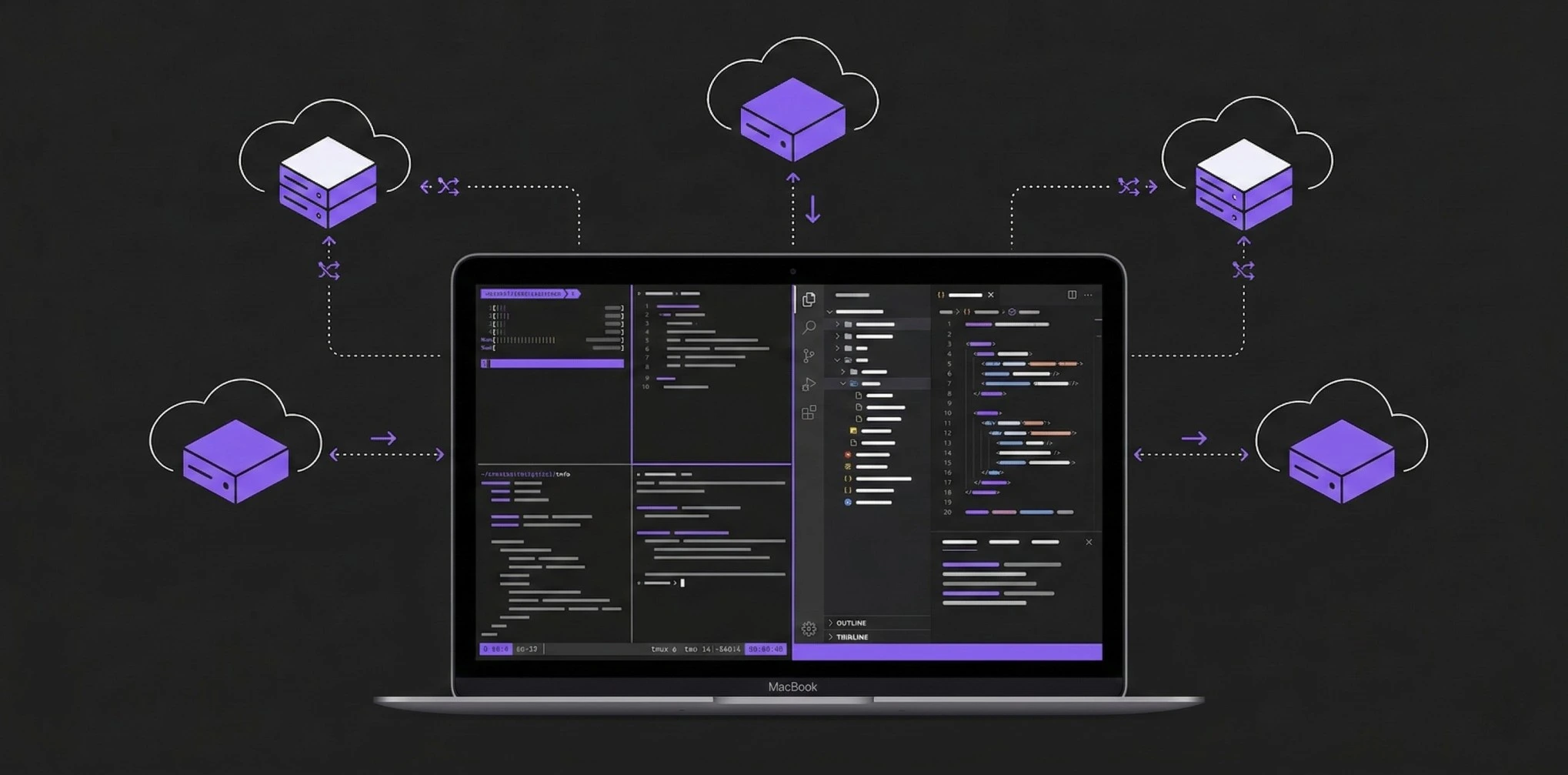
The Complete Remote Development Setup for macOS in 2026
Set up the perfect remote development workflow on macOS. SSH config, terminal tools, file sync, code editors, and everything you need to develop on remote servers.
Saturn
10 SSH Config Tricks Every Developer Should Know
Master your ~/.ssh/config file with these 10 essential tricks. Jump hosts, port forwarding, keep-alive, wildcards, and more to speed up your SSH workflow.
Jupiter
How to Secure Your VPS in 10 Minutes (First-Time Setup Guide)
Essential security steps for a new VPS or cloud server. Disable root login, set up SSH keys, configure firewall, and harden your server from day one.
Neptune
How AI Terminal Assistants Are Changing Developer Productivity
AI-powered terminal assistants help developers write commands, debug errors, and automate tasks. Here's how they work and which ones are worth using in 2026.
Mercury